Table of contentsShowHide
- 1.Start With the Correct Examination Session
- 2.Check Your Name and Registration Details
- 3.Confirm Course Level, Group and Papers
- 4.Review Exemption and Special Status Details
- 5.Choose the Examination City Carefully
- 6.Upload Documents and Check Image Requirements
- 7.Payment Is Not Complete Until You Confirm the Status
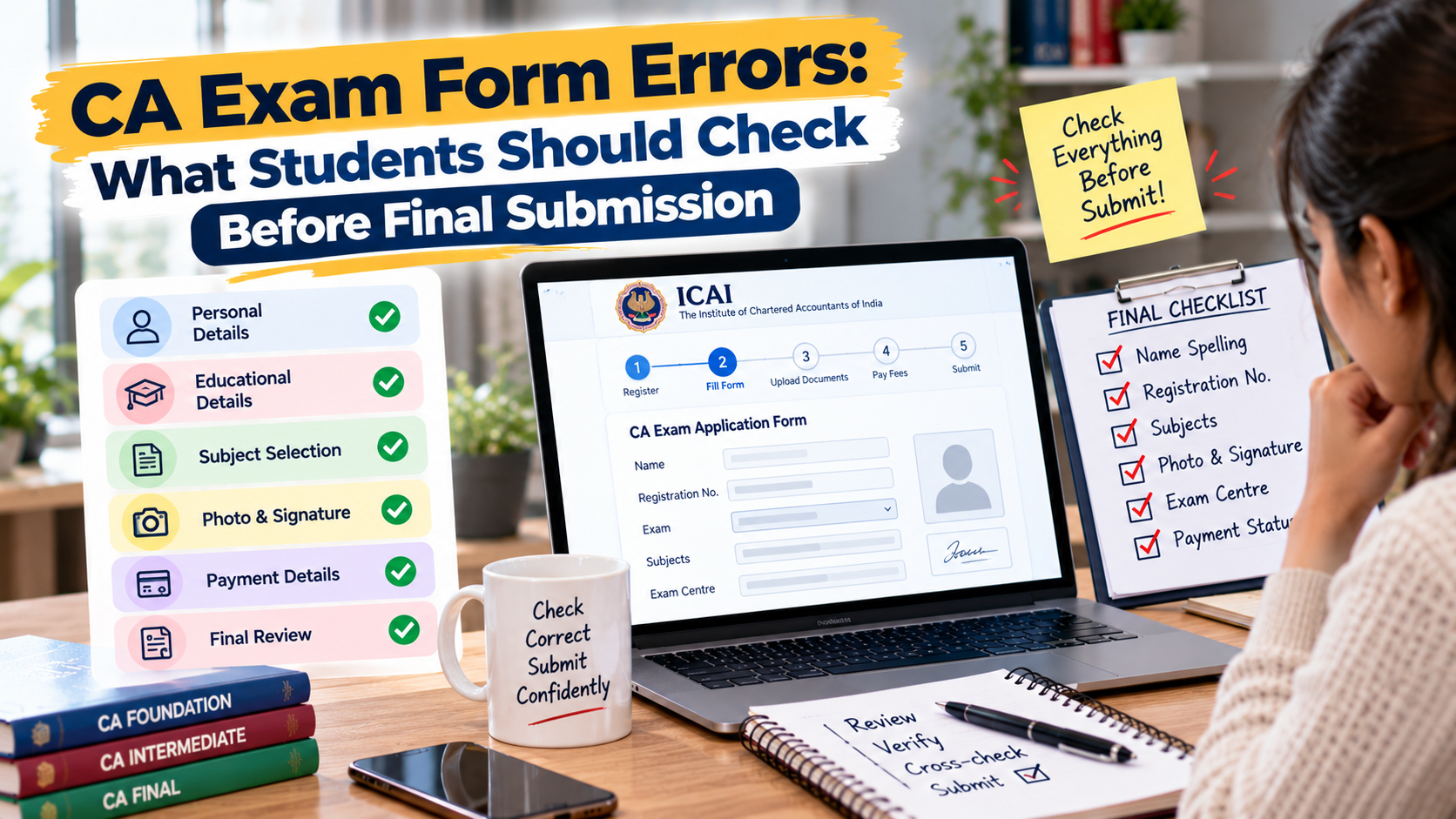
- 8.Final Review Before Clicking Submit
- 9.What to Do if You Find an Error After Submission
- 10.Common Mistakes to Avoid
- 11.Quick Reference Table
- 12.How CA Exams Test Series Can Support Your Preparation
Filling out a CA exam form may seem like a routine online task, but a small mistake can create unnecessary stress close to the examination. Wrong personal details, an incorrect course or group, an unsuitable centre choice, a missed exemption option or an incomplete payment can all require attention.
The safest approach is to review the form carefully before submitting it and to save the confirmation afterwards. This guide offers a practical checklist for Foundation, Intermediate and Final candidates. Exact fields and correction facilities can vary by session, so the official ICAI form instructions and announcements always take priority.
Start With the Correct Examination Session
Before entering details, confirm that you have opened the form for the intended course and examination session. ICAI may publish separate pages for different levels or sessions, and deadlines can differ. A form that belongs to another session will not become correct simply because most of your personal details are accurate.
Read the official announcement for the current attempt. Note the opening date, last date, late-fee period if any, correction window if announced and the permitted exam centres. Do not rely on a saved link from a previous attempt without checking the session name and year.
Check Your Name and Registration Details
Review your name, registration number and other identity details against the official student records and the documents requested by the portal. Avoid making casual changes to spelling or formatting unless the official process permits them. If a mismatch exists in the underlying record, find out how it should be corrected before submitting the exam form.
Check the email address and mobile number you use for official communication. These details can matter when receiving confirmations or updates. Keep your login credentials private and do not let an unofficial person complete the form using your password or one-time code.
Confirm Course Level, Group and Papers
Make sure you are applying for the correct level—Foundation, Intermediate or Final—and select the intended group or groups, unit or paper options as permitted by the current form. This is especially important if you have previously appeared, have a paper-wise exemption or are following a transitional arrangement under a changed scheme.
Before moving ahead, compare the selected papers with your preparation plan and eligibility. Do not choose a group merely because a friend has selected it. Your choice should reflect your course status, the rules for the session and the papers you are permitted or required to attempt.
Review Exemption and Special Status Details
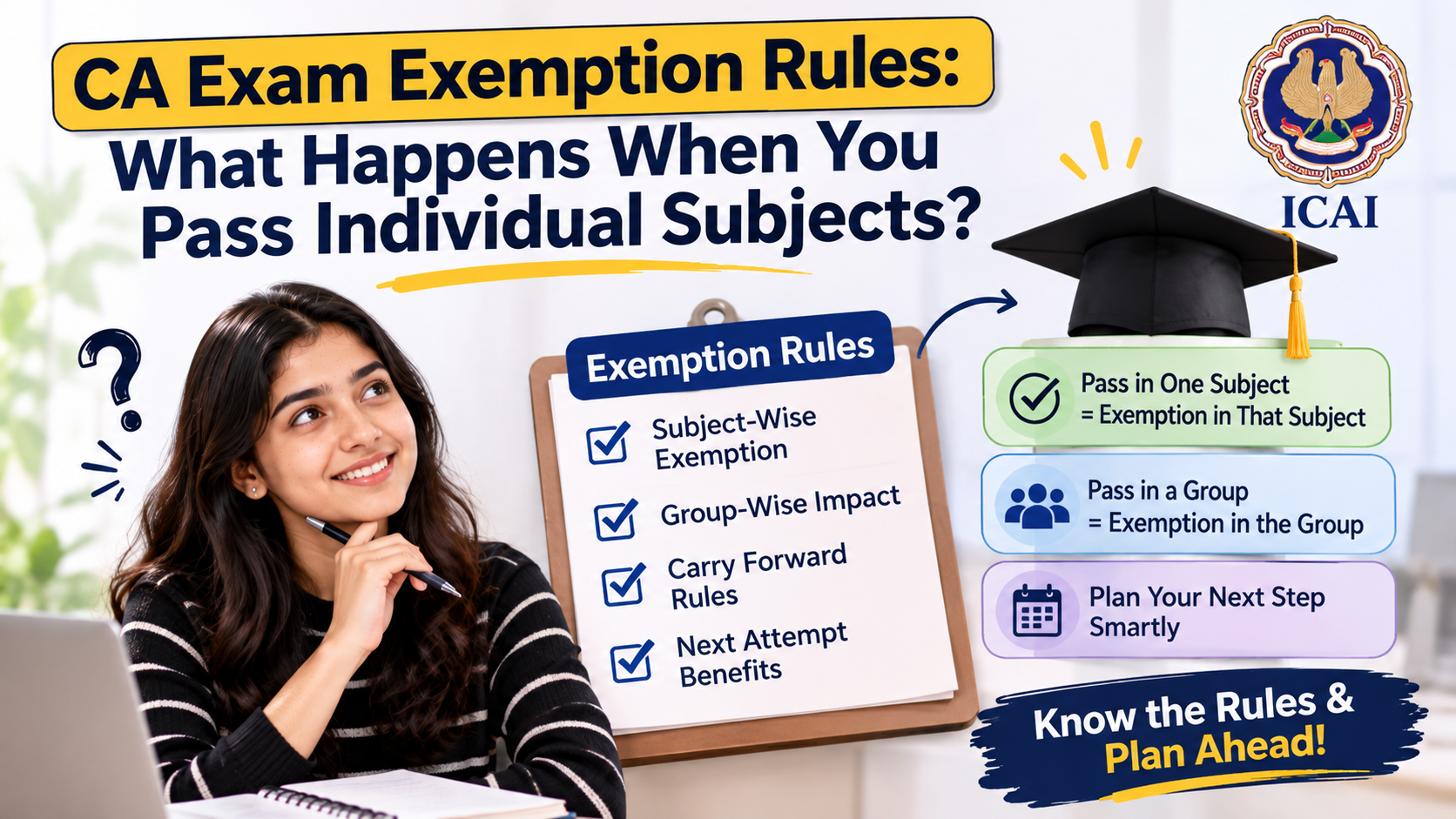
If you have an exemption, carefully read the session-specific guidance on how it is shown or handled in the form. Do not assume that a previous result automatically means the exemption will be carried forward in the way you expect. Where ICAI provides a continuation, surrender or permanent-exemption option, follow the exact instructions and deadline.
If your result or registration status appears inconsistent with the form, stop and verify it before submission. Keep a copy of the relevant result and official guidance. Do not make an irreversible choice based only on a coaching-group message or an older blog.
Choose the Examination City Carefully
Review the exam city and centre preferences available in the form. A city selection may be subject to availability and the instructions issued for the session; it does not necessarily guarantee a specific building. Choose a location you can realistically reach and check travel arrangements before the examination period.
Typos in the city selection or selecting an unintended city can create logistical problems. Recheck the city name before submitting. If ICAI announces a correction window, read its scope carefully: not every field is necessarily editable, and a correction facility should never be assumed unless it is officially announced.
Upload Documents and Check Image Requirements
If the form asks for a photograph, signature or other supporting document, check the accepted file type, size and clarity instructions. A blurry image, cropped signature or file that fails to upload can lead to an incomplete application. Preview the uploaded image where the portal offers that option.
Do not upload unrelated documents or share identity documents through unofficial channels. Use only the official portal and follow the specific instructions for your session. If a document is rejected, check the stated reason and correct it through the permitted process rather than repeatedly uploading the same file.
Payment Is Not Complete Until You Confirm the Status
After paying the examination fee, check the portal for a successful transaction or submitted-application confirmation. A bank debit by itself should not be treated as proof that the form has been successfully submitted. Save the receipt, control number or confirmation page provided by the system.
If the payment status appears unclear, follow the official portal’s instructions for checking transaction status. Avoid making repeated payments without checking the first transaction, because that may complicate refunds or reconciliation. Use the official support route if the portal does not show a clear outcome.
Final Review Before Clicking Submit
Take a deliberate pause before final submission. Review personal information, course level, group selection, exemption status, exam city, uploaded files, declarations and fee details. Read every summary screen rather than clicking through quickly. If the form provides a preview, use it as a final checklist.
After submission, download or save the confirmation and keep it in a folder with your admit card and other exam records. Make sure you can access the registered email and portal later. A simple digital backup can save time if you need to refer to the details.
What to Do if You Find an Error After Submission
First, check whether ICAI has officially announced a correction window for your session and whether the field you need to change is included. Correction windows have specific dates and conditions; do not assume every field can be edited or that the window will be repeated.
If no correction facility is available or the issue is urgent, consult the official examination help information published for the attempt. Keep your registration details and application confirmation ready. Explain the error clearly and follow only the procedure that ICAI confirms. Avoid paying third parties who promise unofficial edits.
Common Mistakes to Avoid
Common errors include applying for the wrong session, selecting the wrong group, overlooking exemption instructions, entering an incorrect city, ignoring a failed payment message and closing the portal before the submission confirmation appears. Rushing at the last minute makes these mistakes more likely.
Submit early enough to resolve technical issues. Use a stable internet connection, keep documents ready and avoid waiting until the final hours. The form process is part of exam preparation: a few minutes of careful checking can prevent a problem that distracts you from revision.
Quick Reference Table
| Check | Before submission | After submission |
|---|---|---|
| Session and course | Confirm the correct session and level | Keep a copy of the submitted form |
| Group and exemptions | Compare selection with official rules | Check the confirmation reflects the submission |
| Exam city | Review the selected city | Plan travel using official centre details later |
| Documents | Check clarity, format and upload status | Keep required originals ready |
| Payment | Verify fee and payment status | Save receipt/control number and confirmation |
How CA Exams Test Series Can Support Your Preparation
Alongside official information and a realistic study routine, structured practice can help you identify gaps before the examination. CA Exams Test Series can be part of a preparation plan that includes timed papers, answer review and regular revision. Use practice results to decide what to improve next, and rely on ICAI for official eligibility, examination and result rules.
Frequently Asked Questions
What should I check before submitting the CA exam form?
Check the session, course level, group or papers, registration details, exemption status, exam city, uploaded documents, declarations and fee. Review the final summary and save the successful submission confirmation after completing the process.
Can I correct a CA exam form after submission?
It depends on whether ICAI announces a correction window for your examination session and whether the relevant field is editable. Check the official notice for the dates and scope. Do not assume every detail can be changed.
What if my exam fee is deducted but no confirmation appears?
Check the transaction status on the official portal and follow its instructions. A bank debit alone may not confirm a successful application. Save transaction details and contact the official support channel if the status remains unclear.
Can I change my CA exam centre after submitting the form?
Centre or city changes depend on the facilities and rules announced for that session. If a correction window is offered, review its permitted fields and deadlines. Do not assume that a change will be accepted automatically.
How do I know my CA exam form was submitted successfully?
Look for the official successful-submission confirmation and save the receipt, application details or control number shown by the portal. If the portal does not show a clear status, use the official transaction or application-status process.
Should I submit the CA exam form on the last day?
It is safer to submit early. Last-minute traffic, payment delays, upload problems or login issues can make the process stressful. Early submission also leaves time to check the confirmation and address an issue through official channels.
What if my name is incorrect in the exam form?
Compare the form with your official ICAI student records and follow the prescribed correction process. Do not make unsupported changes or assume the exam-form correction window covers every identity field. Contact official support if the underlying record is wrong.
Do I need to check exemption details while filling the form?
Yes, if an exemption applies to you. Read the current guidance for your course and session and confirm that the form handles the exemption correctly. Some options may have specific procedures or deadlines.
Which documents should I keep after submitting the form?
Keep the submitted form or application summary, payment receipt, confirmation or control number, and any official correspondence about corrections. Store them securely so you can refer to the details when downloading your admit card or contacting support.